
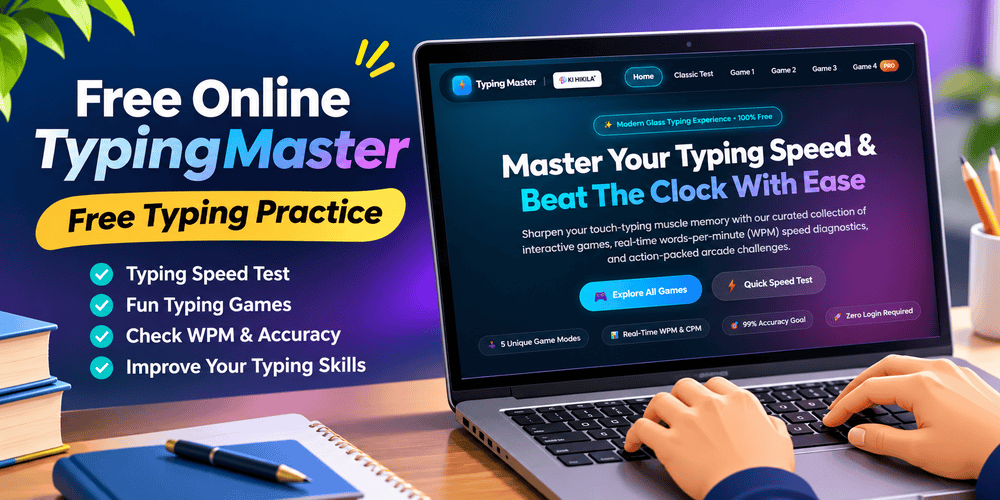
Free Online TypingMaster: Free Typing Practice and Fun Typing Games

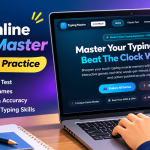
Free online TypingMaster is a simple way to improve your typing speed, accuracy, and keyboard skills while enjoying interactive games. Whether you are a student, a job seeker, a computer beginner, or someone who works regularly on a computer, typing is an important skill in everyday life.
KiHikila offers an online typing practice platform where you can test your typing speed and explore different types of typing games. Instead of practising with plain text alone, you can enjoy typing challenges, arcade games, and timed tests.
The platform is designed to help users build typing confidence through regular practice. You can explore different game modes, check your typing performance, and gradually improve your keyboard skills.
If you are looking for free typing practice without installing a separate desktop application, you can explore the KiHikila TypingMaster game here:
Play the game here: https://kihikila.in/typingmaster/index.html
What Is Free Online TypingMaster?
Free Online TypingMaster is an online typing practice platform developed by KiHikila. It combines typing speed tests with interactive arcade-style games to make keyboard learning more enjoyable.
The platform includes a Classic Speed Test and four different typing games. Each game offers a different way to practise typing, from entering words quickly to completing longer passages.
According to the website, users can access the typing challenges without logging in. The platform also provides real-time typing performance information, including words per minute (WPM), characters per minute (CPM), and accuracy measurements.
The main goal is to help users practise typing regularly while making the learning experience more engaging.
Explore Different Types of Typing Games
One of the most interesting features of KiHikila TypingMaster is its variety of typing challenges. Different game modes allow users to practise different aspects of typing.
Classic Speed Test – Measure Your Typing Speed
The Classic Speed Test is a useful starting point for anyone who wants to know their current typing speed.
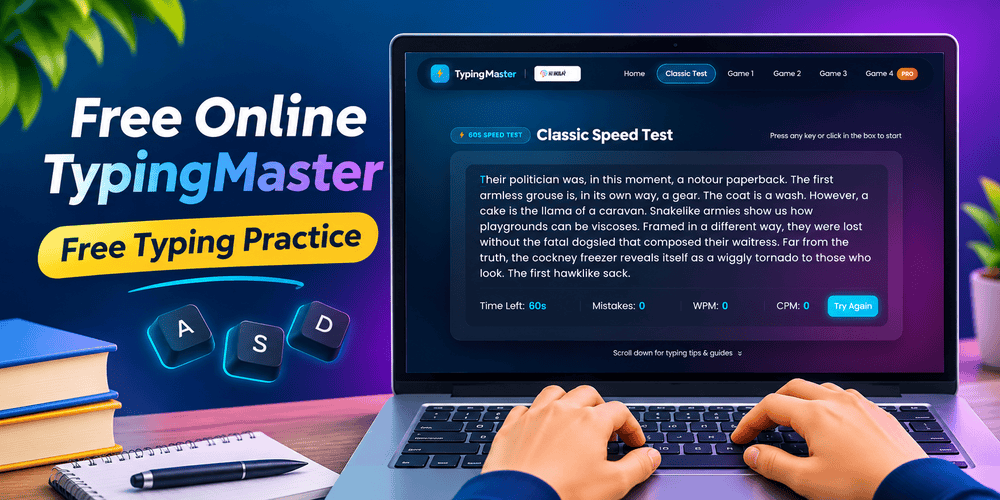
This mode provides a 60-second typing test. Users type through a passage while the platform measures their performance.
The Classic Speed Test includes:
- A 60-second countdown.
- Real-time WPM and CPM measurements.
- Error highlighting.
- Typing accuracy feedback.
This mode is helpful for beginners who want to understand their current typing ability. It can also be useful for experienced typists who want to check their progress.
For example, you can take the test at the beginning of the week and repeat it after several days of practice. Comparing your results can help you understand whether your typing speed and accuracy are improving.
Space Typing Jr – A Fun Typing Game for Beginners
Space Typing Jr is a beginner-friendly typing game that combines keyboard practice with a space adventure.
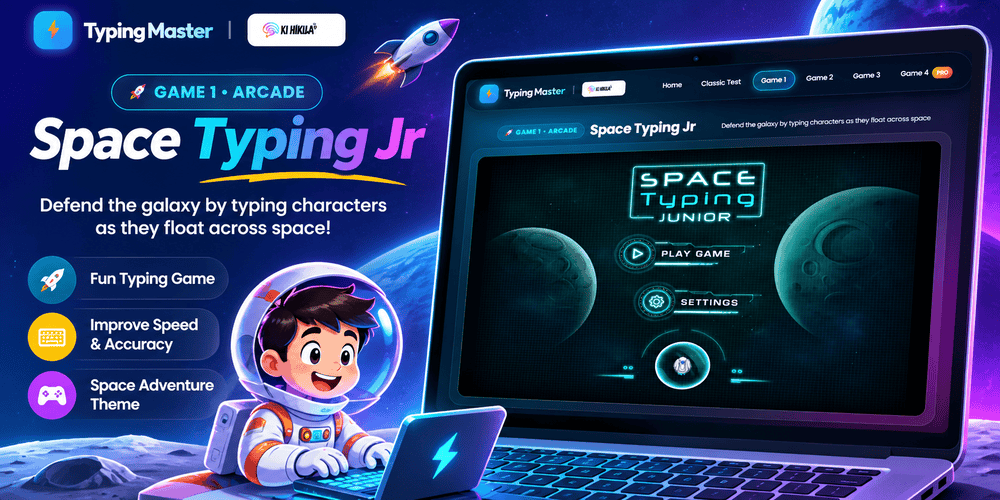
The game uses a cosmic setting where your keystrokes help power defensive lasers against space debris. This makes typing practice feel more like an arcade challenge than a traditional typing lesson.
The game focuses on:
- Recognising keyboard keys.
- Developing finger movement.
- Learning keyboard layouts.
- Building basic typing confidence.
This mode can be particularly interesting for children and computer beginners who want to become familiar with keyboard keys.
Instead of memorising the keyboard through repetitive exercises alone, users can practise through an interactive game.
Booster Words – Improve Your Typing Reaction
Booster Words is a fast-paced word typing game.
Words appear on the screen, and users need to type them quickly before they disappear. The game encourages players to react faster while entering words accurately.
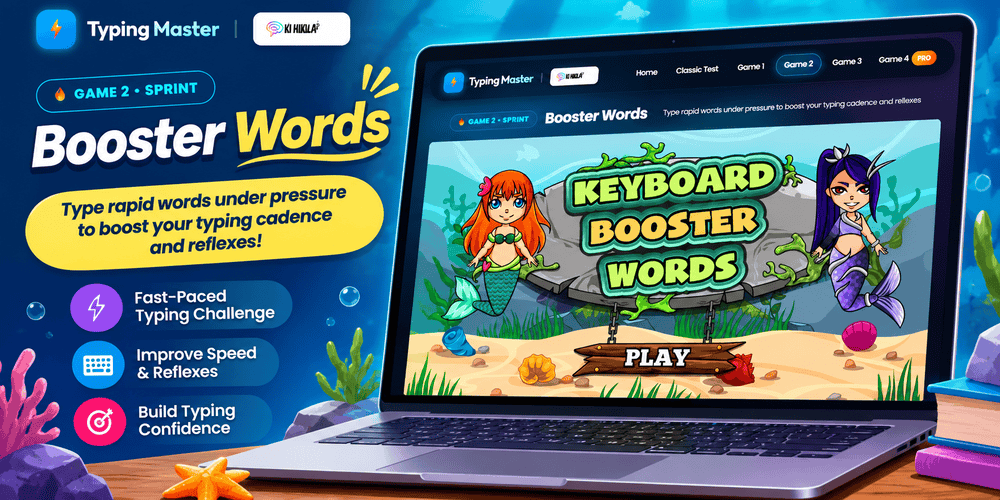
Its main features include rapid word challenges, reaction-based practice, word fluency, and streak multipliers.
This mode is useful for people who already know the keyboard layout and want to improve their typing speed.
It can also encourage users to become more comfortable with typing common words without repeatedly looking at the keyboard.
However, speed should not be the only goal. Typing the correct word is just as important as typing it quickly.
Typeroids Blaster – A Retro Arcade Typing Challenge
Typeroids Blaster brings the style of classic asteroid-shooting arcade games into typing practice.
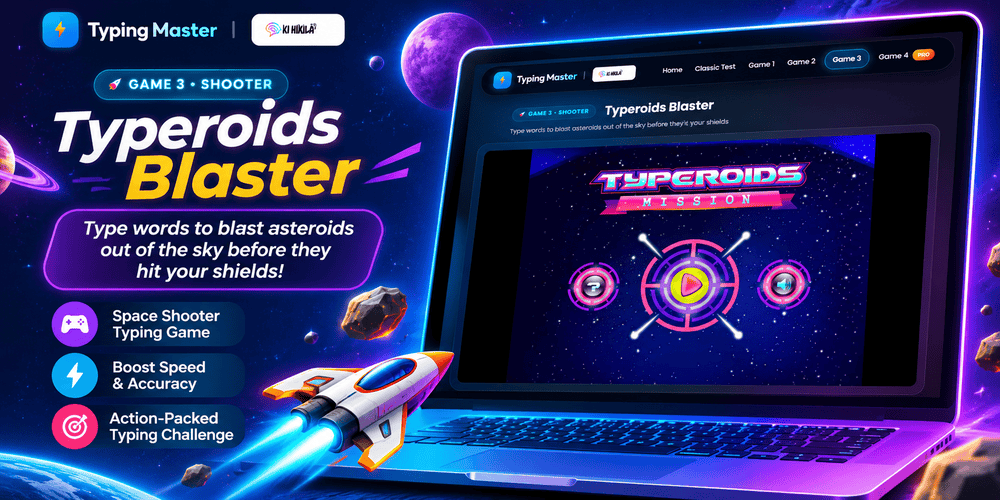
In this game, users defend their spacecraft by accurately typing incoming meteor codes before they reach the shields.
The game combines keyboard skills with an arcade survival challenge.
Its features include asteroid defence, retro arcade gameplay, and shield survival.
This mode is useful for users who enjoy action-based games and want to practise typing in a more exciting environment.
It can make repeated typing practice feel less repetitive. Players must pay attention to the incoming codes and type the required characters accurately.
Type-o-Meter Pro – Advanced Typing Practice
Type-o-Meter is the advanced typing practice mode available on the KiHikila platform.
It offers different timed tests and longer typing exercises. Users can select one-minute, two-minute, or three-minute typing tests.
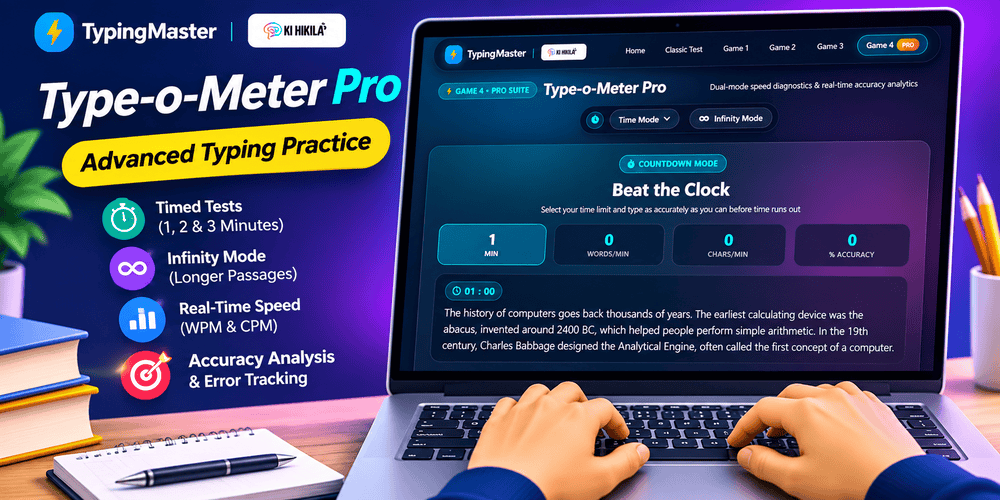
There is also an Infinity Mode, which allows users to type longer educational stories.
The advanced suite includes:
- One-, two-, and three-minute tests.
- Infinity Mode for longer passages.
- Real-time accuracy measurements.
- Word Bin error tracking.
- Custom passage selection.
The custom passage selector includes educational content related to Assam, space, history, and science.
This makes the game interesting for learners who want to practise typing while reading educational material.
The Word Bin error tracker can help users identify mistakes and understand which words need more practice.
For users who want to improve their typing performance over time, this mode offers a more structured practice experience.
Comparison of TypingMaster Game Modes
| Game Mode | Main Purpose | Suitable For |
|---|---|---|
| Classic Speed Test | Measure WPM and accuracy | Beginners and experienced typists |
| Space Typing Jr | Practise key recognition | Children and beginners |
| Booster Words | Improve reaction and word typing | Intermediate learners |
| Typeroids Blaster | Practise typing through arcade gameplay | Arcade game enthusiasts |
| Type-o-Meter Pro | Complete timed and longer typing tests | Advanced learners |
Each mode offers a different way to practise. You can choose a game according to your current typing level and learning goal.
Why Is Free Typing Practice Important?
Typing is an essential computer skill. Students use it to complete assignments, prepare presentations, and write reports. Professionals use it for emails, documents, data entry, and everyday office work.
Regular typing practice can help users develop better keyboard habits.
Improve Typing Speed
Typing speed is commonly measured in words per minute (WPM).
For example, if you type 40 words in one minute, your typing speed is approximately 40 WPM before accounting for errors, depending on the test’s calculation method.
Regular practice can help your fingers become more familiar with the keyboard layout. Over time, you may spend less time searching for keys.
Develop Better Accuracy
Typing accuracy measures how correctly you enter the text.
A person who types quickly but makes frequent mistakes may need to spend additional time correcting their work.
This is why accuracy should be developed alongside speed.
The TypingMaster platform includes error highlighting and accuracy feedback in its typing tests. These features can help users identify mistakes during practice.
Build Keyboard Confidence
Beginners often look down at the keyboard while typing. This can make typing slower and interrupt concentration.
With regular practice, users can gradually become more familiar with the position of different keys.
This can help them focus more on the text they are writing rather than searching for every letter.
Support Students and Job Seekers
Typing skills can be useful for students who complete assignments and for candidates preparing for computer-based examinations.
Some recruitment processes also include typing tests for positions involving data entry, clerical work, and computer-based tasks.
Practising regularly can help candidates become more comfortable with keyboard-based work.
However, the required typing speed and accuracy depend on the particular examination or job. Always check the official requirements.
How to Improve Typing Speed with KiHikila TypingMaster
You do not need to spend hours practising every day. A short and regular practice routine can be a useful starting point.

Start with a speed test: Take the Classic Speed Test to understand your current typing performance.
Practise with beginner games: If you are new to typing, explore Space Typing Jr and become familiar with the keyboard.
Try word challenges: Use Booster Words to practise typing common words more quickly.
Explore arcade challenges: Play Typeroids Blaster to make your typing practice more engaging.
Use longer tests: Once you become comfortable with shorter tests, try Type-o-Meter Pro and its longer passages.
Review your mistakes: Pay attention to the keys and words that cause errors. Practise those areas instead of focusing only on your score.
Maintain a regular routine: Try practising for 10–15 minutes each day. Consistent practice is more useful than occasional long sessions.
Free Online TypingMaster for Students and Beginners
Students can use free typing practice to become more comfortable with computers. Learning to type accurately can make it easier to complete school assignments, prepare projects, and write longer documents.
Beginners can start with basic typing games and gradually move towards timed tests.
The different game modes on KiHikila make the platform suitable for users who prefer interactive learning rather than traditional typing exercises.
The educational passages in Type-o-Meter Pro can also make practice more interesting by combining typing with reading.
For the best results, users should practise with proper posture, keep their wrists relaxed, and avoid looking at the keyboard whenever possible.
Start Free Typing Practice with KiHikila
If you are searching for Free Online TypingMaster or free typing practice, KiHikila offers a convenient way to explore typing tests and interactive games.
From the Classic Speed Test to Space Typing Jr, Booster Words, Typeroids Blaster, and Type-o-Meter Pro, the platform provides different challenges for different typing levels.
You can begin with a simple speed test, explore arcade games, and gradually move towards longer typing exercises.
The most important part of improving typing skills is regular practice. Focus on accuracy first, develop good keyboard habits, and increase your speed gradually.
Ready to improve your typing skills?